PDF to EPUB Converter
Convert PDF to EPUB online and read your documents comfortably on Kindle, Kobo, Apple Books or your phone. The text reflows to fit any screen. Free, no signup, no watermark.
- Reflowable EPUB ebooks
- Ready in 10–30 seconds
- Files deleted automatically
Choose a PDF file
or drop it here
Encrypted transfer · files deleted automatically · no watermark
Step by step
How to convert PDF to EPUB
- 1
Upload your PDF
Choose a PDF from your device or drag it into the box. Text-based PDFs give the best results.
- 2
Convert
Our server extracts the text and structure and builds a reflowable EPUB, usually in 10–30 seconds.
- 3
Read anywhere
Download the EPUB and open it in Apple Books, Google Play Books, Kobo, or send it to your Kindle.
PDF vs EPUB
Why convert a PDF to EPUB?
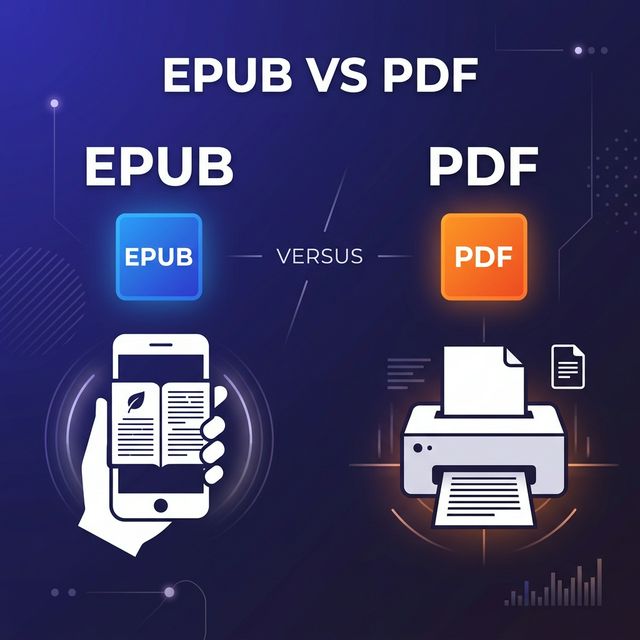
PDF pages have a fixed size, so on a phone or e-reader you have to zoom and scroll sideways. EPUB text reflows to fit the screen and lets you change the font size.
EPUB vs PDF: which is better?- Comfortable readingAdjustable font size and line spacing on any screen.
- E-reader friendlyWorks with Kindle (via Send to Kindle), Kobo and Apple Books.
- Smaller filesEPUB is usually lighter than the original PDF.
- No softwareNo Calibre or desktop app needed: convert in the browser.
FAQ
PDF to EPUB: frequently asked questions
How do I convert a PDF to EPUB?
Drop your PDF in the converter, press Convert to EPUB and download the ebook when it is ready. It usually takes 10 to 30 seconds.
Which PDFs convert best?
Text-based PDFs such as books, reports and articles give the best results. Scanned PDFs are images, so their text cannot be reflowed.
Can I read the EPUB on Kindle?
Yes. Send the EPUB to your Kindle with Send to Kindle, or open it in Apple Books, Google Play Books, Kobo or any EPUB reader.
Is the PDF to EPUB converter free?
Yes. There is no signup, no watermark and files are deleted automatically after processing.
More free document tools
URL to PDF Converter
Turn a public URL, an HTML file or HTML code into a PDF. Keeps CSS, web fonts and backgrounds.
URLHTMLHTMOnline PDF Editor
Click any text in a PDF and change it. Runs locally in your browser, so your file is never uploaded.
PDFOfflineExcel to PDF Converter Soon
Export XLS and XLSX spreadsheets to clean, paginated PDFs. Coming soon.
XLSXLSX