The Best WkHtmlToPdf Alternative for Modern CSS (2026)

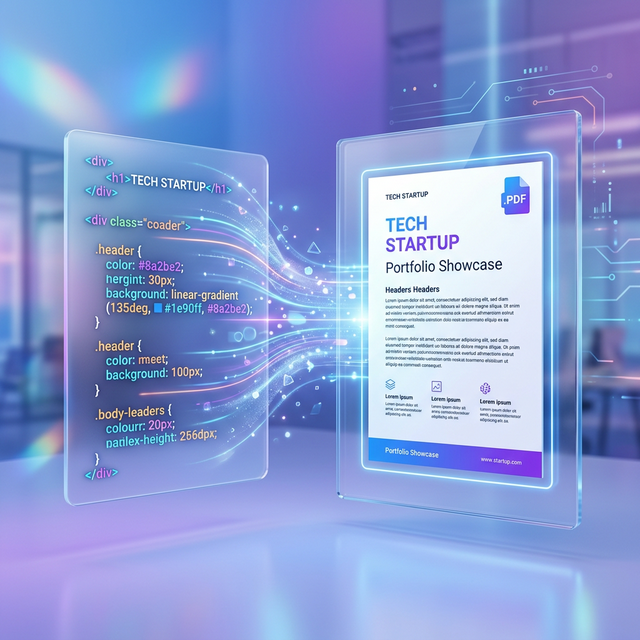
If you have been building web applications for more than a few years, you have undoubtedly encountered **WkHtmlToPdf**. For a long time, it was the "gold standard" for generating PDF reports from HTML. However, as the web moved forward into the era of CSS Grid, Flexbox, and modern Javascript, WkHtmlToPdf stayed behind.
The result? Broken layouts, disappearing background colors, and hours of "CSS hacking" just to make a simple invoice look decent on a PDF. In 2026, you don't have to suffer through this. Here is the definitive guide to the best modern alternatives.
Why WkHtmlToPdf is Failing Your Project
WkHtmlToPdf relies on the **Qt WebKit** rendering engine, which has been deprecated for years. It simply doesn't understand:
- **Modern Layouts:** Flexbox and CSS Grid are often completely ignored or rendered with massive overlaps.
- **Custom Fonts:** Loading Google Fonts or self-hosted WOFF2 files is hit-or-miss.
- **Asynchronous Content:** If your charts (like Chart.js) or tables are populated via Javascript, WkHtmlToPdf will often take the snapshot before the data arrives.
The Top Alternative: Headless Chromium (Puppeteer)
The most robust way to convert HTML to PDF today is using **Headless Chromium**. This is essentially a full version of the Google Chrome browser running without a user interface.
By using libraries like **Puppeteer** (Node.js) or **Playwright**, you can instruct the browser to open your HTML, wait for all styles and scripts to load, and then generate a perfect vector PDF.
Why Chromium is Superior:
- **Pixel-Perfect Fidelity:** If it looks good in Chrome, it will look identical in the PDF.
- **Full JS Support:** It waits for your React/Vue components to finish rendering.
- **Modern CSS:** Full support for `gap`, `sticky` positioning, and advanced filters.
How to Switch Without Managing Your Own Servers
Running Headless Chromium on your own servers can be a resource nightmare—it's memory-intensive and difficult to scale.
If you're looking for an instant, free-to-try solution that uses this modern engine under the hood, we recommend our own [Free HTML to PDF Web Tool](https://hosnet.org/tools/html-to-pdf). It is powered by a high-performance Puppeteer cluster that handles the heavy lifting for you, ensuring your CSS is never ignored.
For developers who need a native solution on the go, check out the [PDFShift Android App](https://play.google.com/store/apps/details?id=com.vms.htmltopdf), which brings this same high-fidelity rendering to your mobile device.
Conclusion
Stop wasting time debugging 10-year-old rendering engines. The web has evolved, and your PDF generation should too. Switching to a Chromium-based alternative like our [Web-to-PDF Converter](https://hosnet.org/tools/html-to-pdf) will instantly improve the quality of your documents and the sanity of your development team.
*(Want to learn how to keep your styles on mobile? Read our guide on [saving webpages without losing style](/blog/how-to-convert-html-to-pdf-without-losing-css)).*

No comments yet