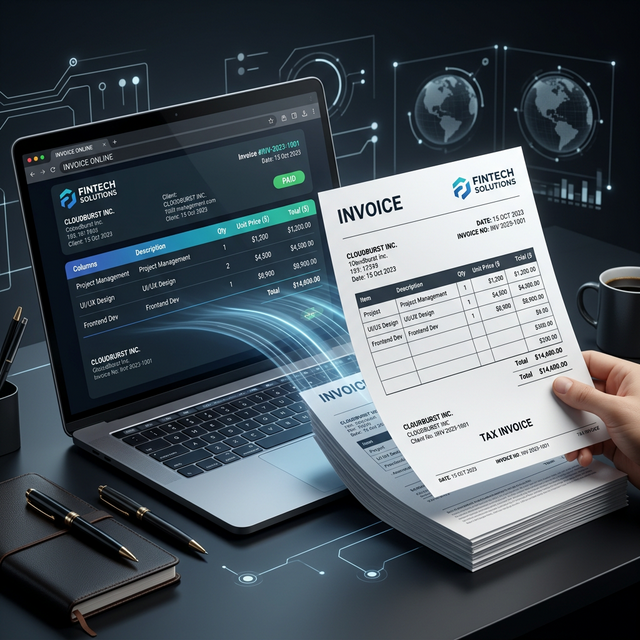
Top 3 Methods to Convert HTML Invoices to PDF Free Online

When billing a client, the last thing you want is a broken, unstyled mess of text without borders or logos. If you have generated an invoice in HTML and need to email it out to your customer as a secure, professional document, you must **convert HTML to PDF**.
The question is, how do you do it for free without paying exorbitant monthly API limits and without dropping back to manual Microsoft Word templates? Let's dive into the top 3 methods to reliably output a clean invoice in 2026.
Method 1: The Modern Online HTML to PDF Converter
If you just have specific HTML strings, you don't need to deploy servers. Head to a dedicated **HTML to PDF converter online**.
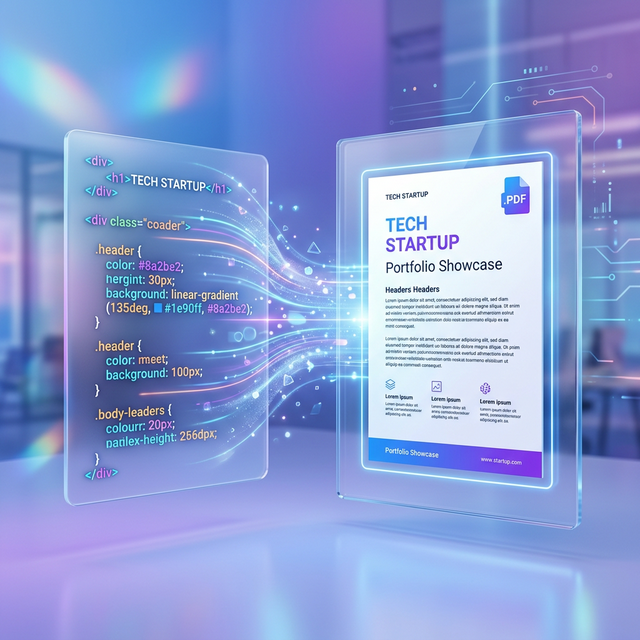
A specialized utility like PDFShift is uniquely configured to bypass native browser constraints and execute a headless Chromium task. You can effortlessly paste your code (even with inline Bootstrap components), wait a couple of seconds, and hit download. For an overview directly related to maintaining layout, see [how to convert HTML to PDF without losing CSS styling](/blog/how-to-convert-html-to-pdf-without-losing-css).
**Why developers love it:** It supports background colors and `div` grids effortlessly without cutting off standard `<table />` elements mid-row.
Method 2: The Command Line (CLI) Tools
If you have SSH access to your own VPS or backend server, employing long-standing command-line utilities can automate bulk jobs.
For basic projects, installing `wkhtmltopdf` gives you local power. However, be extensively warned: this legacy project relies on an archaic Qt WebKit engine. That means Flexbox styling is basically unsupported. It is exceptionally fast, but drastically limits what modern CSS libraries you can use.
For modern 2026 projects, utilizing Puppeteer via Node.js spins up headless instances of Chrome under the hood, mimicking precisely what the user sees on their monitor and effectively dumping perfectly crafted invoices out the other end.
Method 3: The Dedicated API (For High Volume Projects)
When your online store generates thousands of invoices a day automatically, copy-pasting code into a web visualizer isn’t an option.
To do this efficiently, developers use Restful APIs. The process is simple:
- A user buys a product.
- The user's backend framework gathers their order array and compiles a raw HTML ticket.
- The server posts this HTML payload natively to a third-party, dedicated HTML to PDF rendering API.
- The third-party API immediately returns a processed, highly optimized PDF blob.
- You instantly attach the incoming blob directly into an SMTP email loop to your customer.
Conclusion
Don't settle for terrible invoices. Pick a method that retains your background colors, web fonts, and layouts, and get professional documents today!


No comments yet