
5 Ways Developers Use HTML to PDF Converters in Real Apps

In the evolving field of software development, dynamically generating pristine documents shouldn't mean learning complex PDF markup formatting from scratch.
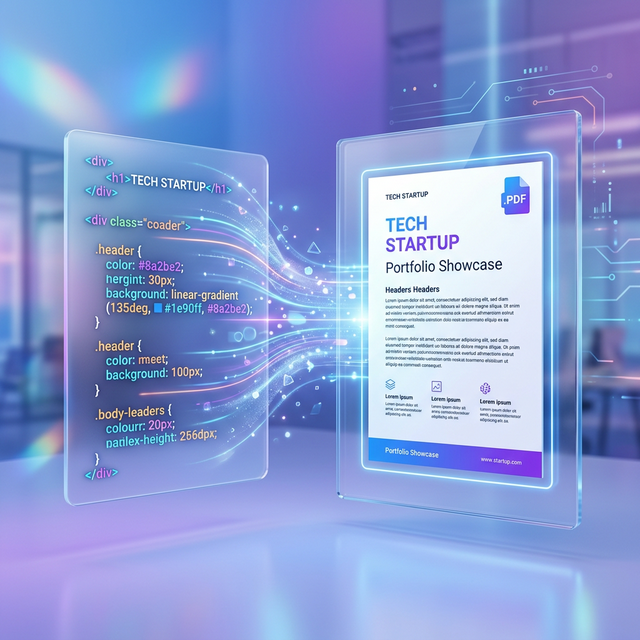
Modern developers have embraced **HTML to PDF converters** as the ultimate shortcut: design your documents using normal HTML, CSS, and modern frontend frameworks like React or Vue, and then simply convert the result directly into an un-editable PDF.
Here are the 5 most critical areas where an HTML to PDF pipeline is an absolute lifesaver:
1. Automated E-commerce Invoicing Systems
No online store types out a customer receipt by hand. When a user buys a product, the e-commerce backend generates a hidden HTML page containing their order data, styles it beautifully to match the store's branding, and immediately passes it through an HTML to PDF converter.
The generated PDF invoice is then emailed to the customer instantly. Using HTML allows the developer to easily brand the invoice with standard CSS classes and high-res SVG logos. For an in-depth breakdown of this use case, see [the top methods to convert HTML invoices to PDF](/blog/top-3-methods-to-convert-html-invoices-to-pdf).
2. Dynamic Monthly Analytics Reporting
Marketing teams require heavy analytics reports packed with charts. Manually piecing data into a PDF library like FPDF or TCPDF takes weeks.
Instead, developers build a web dashboard using Chart.js or D3.js. The user clicks "Export to PDF", a headless browser loads the dashboard, lets the JavaScript charts render perfectly on screen, and the HTML to PDF converter captures the entire sequence down to the millisecond.
3. High-Quality Ticketing and Boarding Passes
A ticket needs scannable QR codes, readable ticket numbers, and tight padding constraints so everything fits on a 4x8 inch standard label.
With an HTML to PDF converter, developers simply set the CSS `@page { size: 4in 8in; }`. Since CSS controls layout flawlessly, inserting a base64 encoded QR Code as an image is trivially easy.
4. Archiving Legal and Compliance Documents
Regulated industries (like finance or medicine) often need to archive "exactly what the user saw" on an interactive web form before they clicked 'Agree'.
To satisfy compliance, systems convert the raw HTML element containing the Terms of Service into an immutable PDF file at the exact timestamp the client accepted it, providing legally enforceable proof.
5. Medical Lab Results Generation
Patients need access to lab results formatted securely. Hospitals use simple templating engines (like Handlebars or Jinja) to populate HTML templates with patient data from their databases.
A robust HTML to PDF converter ensures that blood-test charts and reference ranges are painted exactly in their designated grids, avoiding any margin overlaps that could cause severe medical misinterpretation.
Skip The Nightmare PDF Libraries
If you're a developer battling with PDF coordinates, stop right now. Leverage modern HTML to PDF engines and let the power of CSS do the heavy lifting for you today.

No comments yet