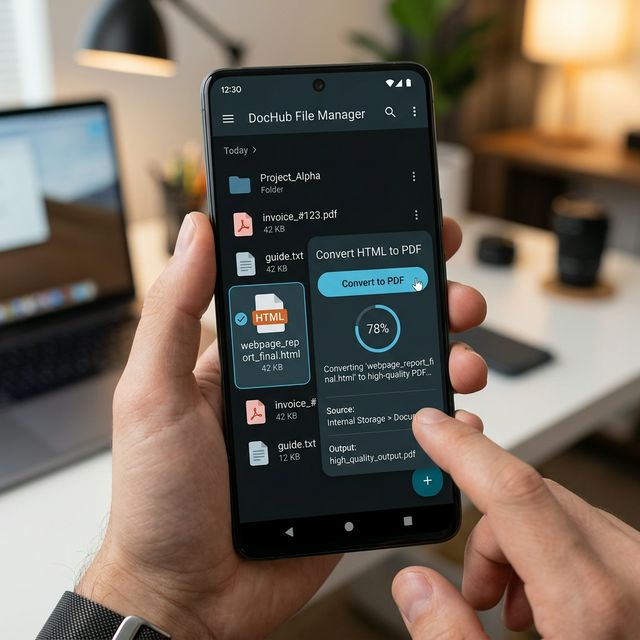
How to Open and Convert Local HTML Files to PDF on Android

Receiving an '.html' file attached in an email instead of a standard Word or PDF document can be highly confusing on a mobile device. While desktop computers can click and open them locally in Chrome, Android phones often lack a default handler capable of printing them properly.
Why You Can't Simply "Read" HTML Files Offline
A local HTML file isn't just text; it relies on formatting instructions ('CSS') that might be missing from your phone.
The Solution: Upload and Convert
Our platform features a **"File Upload"** mode exactly for this situation.
- Download the attached '.html' file to your Android phone's memory.
- Go to our **HTML to PDF** converter tool tab.
- Click "Upload File" and select your local '.html' document.
- We will internally compile the raw code, apply standard formatting, and instantly deliver back a standard, universally readable PDF file that you can forward via WhatsApp or Email without issues.



No comments yet