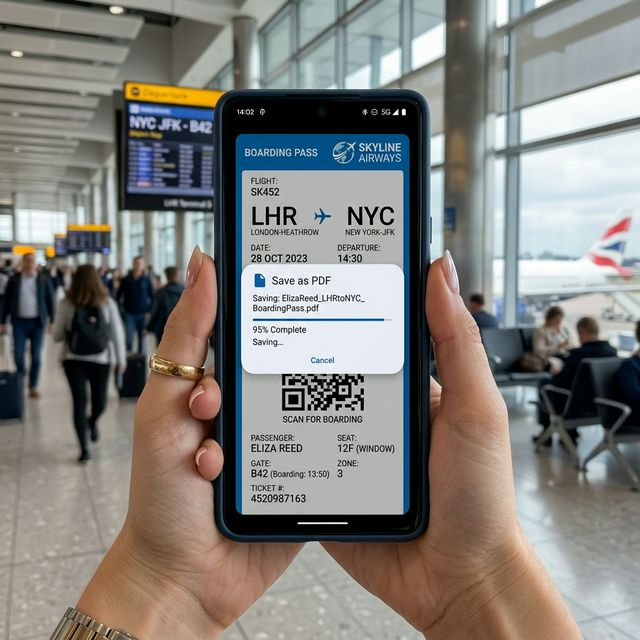
How to Download Flight Tickets and Receipts as PDF on Your Phone

If you have ever been stuck at an airport without internet access while trying to load your boarding pass, you know the panic. The airline's website crashes, the app fails to authenticate, and you are left waiting in line.
In this guide, we'll teach you exactly how to cleanly download a **Flight Ticket or Receipt** as a PDF file directly to your phone BEFORE arriving at the terminal.
Do Not Rely on Airline Apps or Cluttered Websites
Airlines often dynamically load their boarding passes. This means if your iPhone or Android phone drops mobile coverage, the barcode disappears. To save a permanent offline copy:
The Professional PDF Converter Method
- Log in to your airline portal or checkout receipt website on your mobile browser (Safari/Chrome).
- Copy the URL from the browser's address bar.
- Open our engine at **[html2pdf.com](https://hosnet.org/tools/html-to-pdf)**.
- Paste the URL. Our systems will internally render a clean, high-fidelity PDF of your boarding pass or ticket, skipping the advertising menus entirely.
Save this PDF directly to your device's 'Files' app (iOS) or 'Downloads' folder (Android). Now, even in the middle of a desert without a Wi-Fi signal, you have a flawless document to scan at the gate.



No comments yet