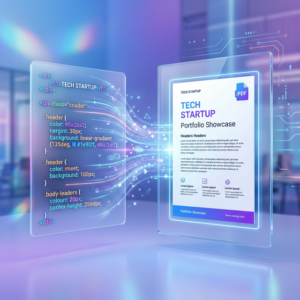

Transforming your raw web code into a universal portable document or deliverable has never been more in demand. Today, thousands of receipts, tickets, and stock summaries that hit your inbox were first HTML, molded instantly into a frozen PDF.
What Happens With "Print" and Pure Code?
If you are visually iterating JS and CSS projects, utilizing an API or exploring our Online Web App to generate the perfect final format prevents mobile discrepancy issues.
For maximum field agility, we always recommend keeping a fast HTML rendering App on your Android device to fetch and convert raw templates during client meetings.
*(Want to learn why using the browser directly fails? Review our comparison on Chrome's Save as PDF limitations).*
Our platform allows you to inject source code (the skeleton, styles in the `<style>` tag, and invoked external typography) simulating the exact properties to obtain the file completely loss-free.
Related FAQs (People Also Ask)
How accurate is HTML to PDF conversion today?
The accuracy is near perfect (99% fidelity) if the tool uses headless browser engines. Tools like our Web App Converter aim for high-quality, realistic conversions that process modern JavaScript just like a real user.
Can I inject complex Javascript before converting them?
Most free static tools are incapable of handling asynchronous requests and will break any data table or `Chart.js` graph. This is where a premium renderer can wait those extra seconds until the JS fully lifts your design for the official capture.
Can I set custom margins?
Absolutely essential. A modern generator template lets you specify exact millimeter distances as borders for corporate printing requirements.